Unlock Effortless Video Editing with AI: A Step-by-Step Guide to Connecting GPT-6 Astra to DaVinci Resolve
In today’s digital age, video content is king. Yet, for many business owners and entrepreneurs, the high costs and technical demands of video editing can be daunting. Imagine, however, if you could harness the power of AI for professional-grade video editing without breaking the bank. Enter GPT-6 Astra and DaVinci Resolve—a winning duo designed to transform how you edit videos by using advanced AI tools and zero touch AI technology.
Why Connect GPT-6 Astra to DaVinci Resolve?
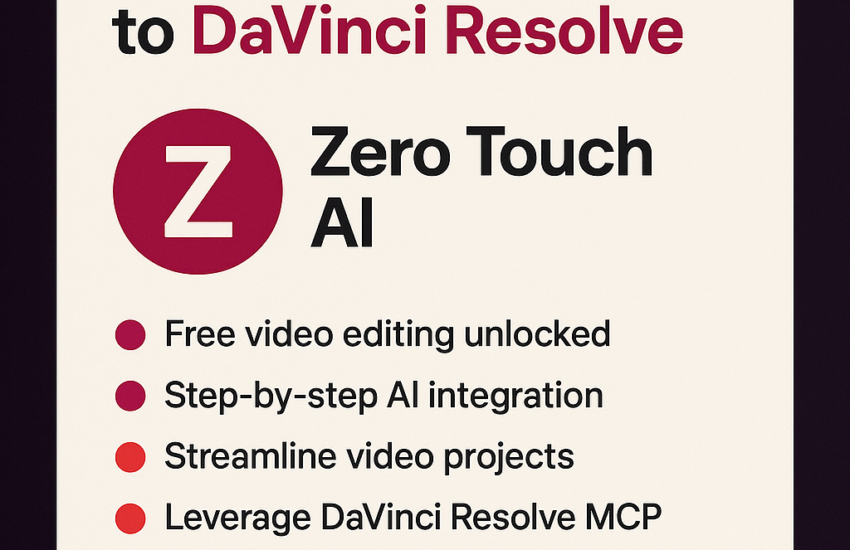
Whether you’re new to video editing or an experienced professional, connecting GPT-6 Astra to DaVinci Resolve offers an innovative, cost-effective solution. This connection enables free editing capabilities through DaVinci Resolve’s Media Control Protocol (MCP), allowing users to leverage intelligent video solutions without incurring high expenses.
Download the Necessary Tools
Before you begin, ensure you have downloaded DaVinci Resolve 21.0.3. It is crucial to have the correct version to ensure compatibility with GPT-6 Astra. Next, make certain you have access to ChatGPT, as this tool will guide you through the video editing process.
Step-by-Step Setup Process
1. **Install DaVinci Resolve 21.0.3**
First, download and install the latest version of DaVinci Resolve. This robust software provides numerous editing features and a user-friendly interface.
2. **Access GPT-6 Astra**
Secure access to the advanced capabilities of GPT-6 Astra. This AI solution is at the heart of automating your video editing tasks.
3. **Utilize Media Control Protocol (MCP)**
With MCP, you can establish a seamless connection between GPT-6 Astra and DaVinci Resolve. This protocol allows you to control video editing functions programmatically, making the process more efficient.
4. **Engage ChatGPT for Guidance**
Use ChatGPT to understand and navigate the setup process. It will provide real-time support and troubleshooting across various aspects of editing projects.
5. **Integrate via resolve_bridge**
Connect your DaVinci Resolve projects with GPT-6 Astra using resolve_bridge. This bridge ensures compatibility and smooth operation between both entities.
The Advantages of AI-Driven Video Editing
By connecting GPT-6 Astra to DaVinci Resolve, you gain access to the world of AI automation tools. This integration allows for intelligent changes that reduce manual editing workloads and streamline processes. Benefits include enhanced creativity, reduced operational costs, and access to Zero Touch AI features—enabling you to create professional-quality videos swiftly and effortlessly.
Conclusion
Incorporating AI into your video editing workflow is not just about keeping up with trends; it’s about simplifying and elevating your video production process. Connecting GPT-6 Astra to DaVinci Resolve empowers you to unlock innovative and cost-saving video editing solutions, making your creative vision a reality.
Learn how AI can automate your video editing—watch the full tutorial now.
Engage with us: #AITools #VideoEditing #DaVinciResolve #VideoAutomation #ChatGPTEditing #TechSetup
Discover how AI video editing can revolutionize your business and expand your digital reach. Share your experiences and insights in the comments below.